
Break down GitHub Copilot AI-credit costs by person, model, token type, and cost center.
Stay informed about product launches, company news and FinOps content.
Break down GitHub Copilot AI-credit costs by person, model, token type, and cost center.

Restrict which cost and resource data each team can see.
Automatically sync Ramp merchant and transaction data into Vantage as Custom Providers.
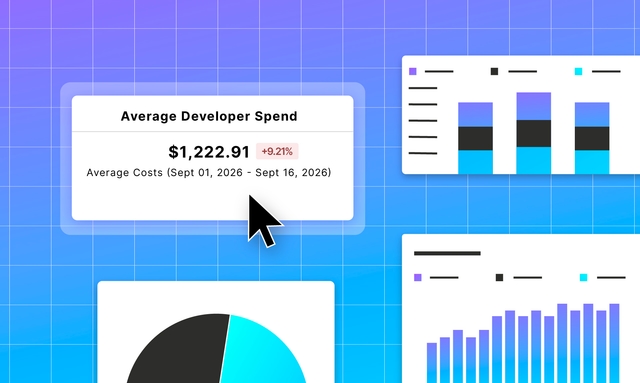
Show total spend, usage, budget performance, and other headline numbers as a single value on a dashboard, with the full reports below.
Track coverage, effective savings rate, and total savings for Azure Reservations and Savings Plans and GCP Committed Use Discounts alongside AWS.
Track OpenRouter model costs and token usage by API key alongside your broader cloud and AI infrastructure.

Allocate AI provider costs by team, user, customer, or application using LiteLLM request metadata, with totals that stay reconciled to the provider bill.

Allocate shared NVIDIA MIG GPU costs to the Kubernetes workloads using them, with idle capacity that reconciles to the physical GPUs on your bill.
Track Cartesia voice AI costs across model capabilities and Line agents, measured in credits and minutes, alongside your broader cloud and AI infrastructure.
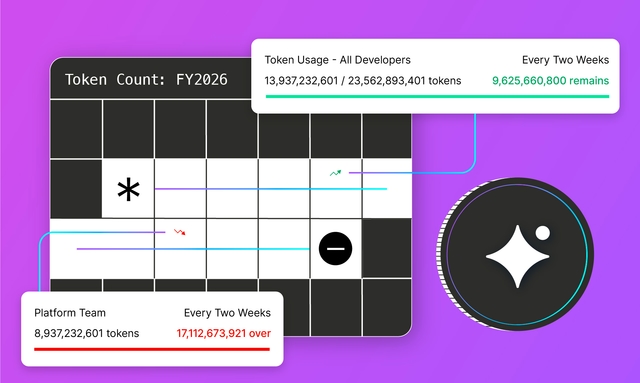
Track prepaid credits and usage commitments in native units such as tokens, instance-hours, and gigabytes, alongside existing Cost budgets.

Query operational metrics in GCP BigQuery or ClickHouse Cloud and import the results as Business Metrics for unit cost reporting and Virtual Tag allocation.